Repair Windows in few seconds – RestoreX review

15 April 2024

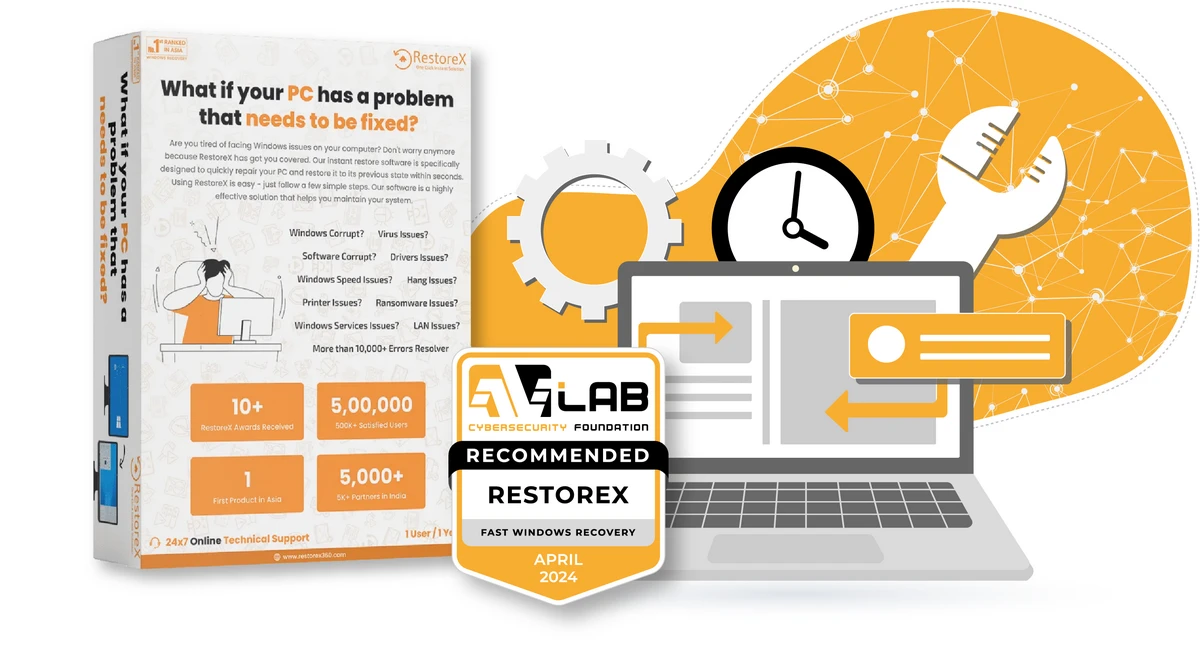
RestoreX Pro is software for home users, business and corporate used to resolve 10,000+ known problems with the operation of Windows in just couple of seconds. It can be applied to environments where there is a frequent need to roll back changes (restore to a specific state), and downtime should be minimized as much as possible. For example, there is a school and university computer lab where computers should be prepared for the next classes. RestoreX also provides a built-in solution for automating tasks that can be performed.

The available versions are Professional and Endpoint. Both editions are paid while the Pro version (which is the subject of this review) allows us to test the software capabilities during a 30-day trial version. Compared to the Endpoint version, it also has less features. However, the concept of RestoreX has not changed.

The solution works on the principle of the so-called snapshots (saved system states), and the entire process of solving noticed problems with Windows is based on them. The software is also able to solve the crashes encountered by the user using other, more complex methods. An additional limitation of RestoreX is the fact that snapshots are saved on a local hard drive — in the event of hardware failure or even incorrect modification of the partition, it will not allow the system to be restored. RestoreXshould not be used as a backup tool.

This software supports Windows 7 to Windows 11 (2024). If you use Windows dual-boot operating system, then also RestoreX works. If the hard drive is encrypted, unfortunately you will not be able to install RestoreX.
restorex download pdf - read review
RestoreX Review

RestoreX Pro is an easy-to-use software designed to restore saved states of the Windows operating system

guest
0 Comments

Test Participation & Certification Options

Vendors can participate directly in the Advanced In-The-Wild Malware Test or obtain a Certification-Only Package for a product independently tested by AVLab. Paid participation provides access to extended technical services, test data, and custom configuration options, while result review and verification remain available to all tested vendors.

Advanced In-The-Wild Malware Test - What Is Included?

Paid Assessment Participation
Certification-Only Package

GENERAL

Advanced In-The-Wild Malware Test
Previously performed by AVLab
Public test results
Certification, if criteria are met
Annual awards, if eligible

RESULT REVIEW & TRANSPARENCY

Result review and clarification
Available to all tested vendors
Evidence necessary to verify a disputed result
Available to all tested vendors
Vendor commentary and response
Available to all tested vendors

TEST PREPARATION & CUSTOM CONFIGURATION

Product onboarding and configuration review
Not applicable
Vendor-recommended product configuration
Not applicable
Custom logging configuration
Not applicable
Vendor-requested technical logs
Not available retroactively

TECHNICAL SERVICES AND DATA

Detailed technical analysis
Available separately
Detailed test data
Available separately
API access to test data
Available separately
Evidence & technical logs
Available separately
Additional validation and retesting
Depending on scope
Available separately
Technical consultation with AVLab
Available separately

CERTIFICATION & MARKETING RIGHTS

Official certificate issued by AVLab
Certification badge
Use on vendor website
Use in social media and PR
Use in sales and marketing materials
Annual award materials, if eligible

Commercial use of AVLab certificates, certification badges, and award materials by independently tested vendors requires either Paid Assessment Participation or a Certification-Only Package. Independently tested vendors without either option may be listed in AVLab results and certification records but are not granted the right to use AVLab certification materials in their own marketing or communications.