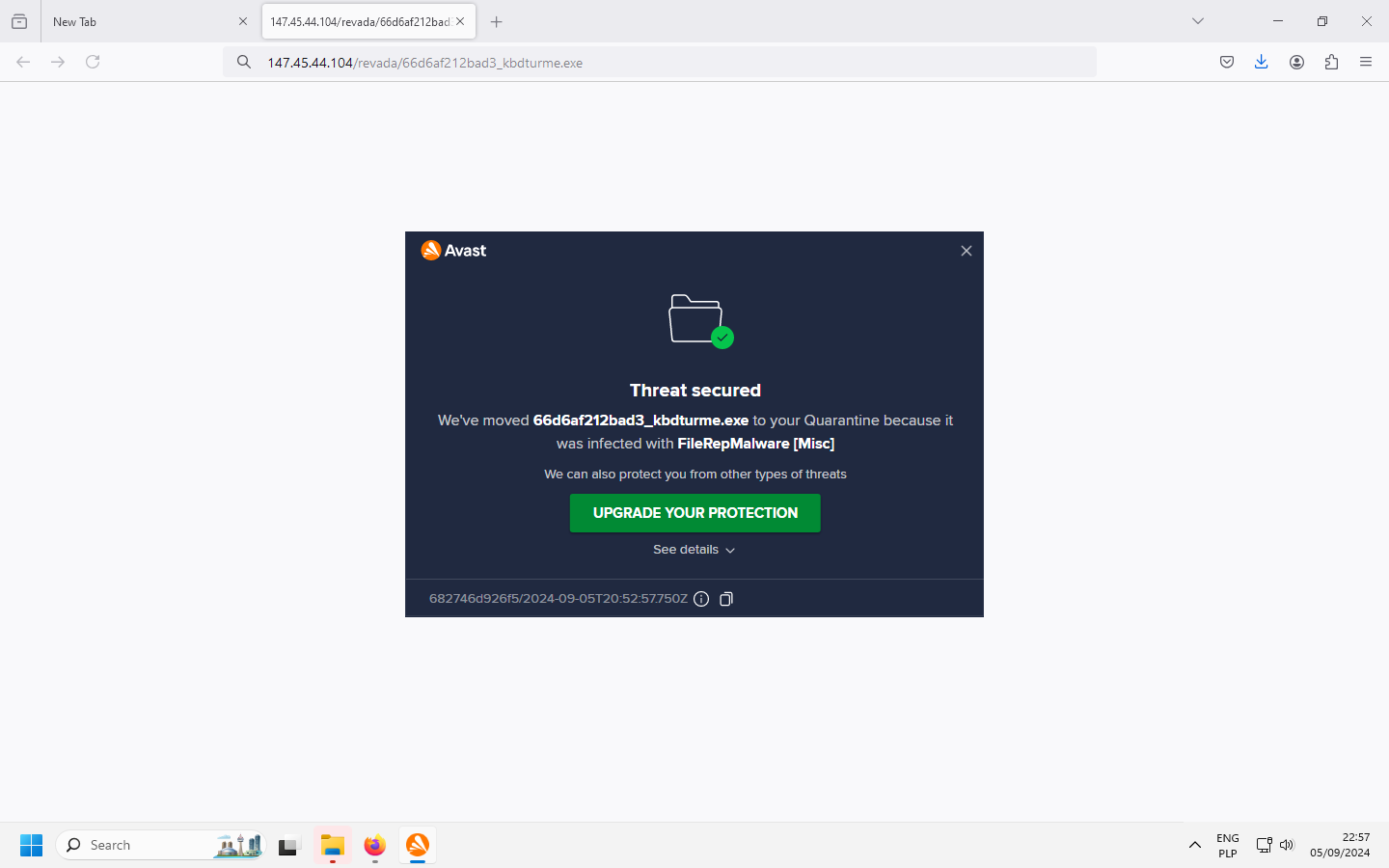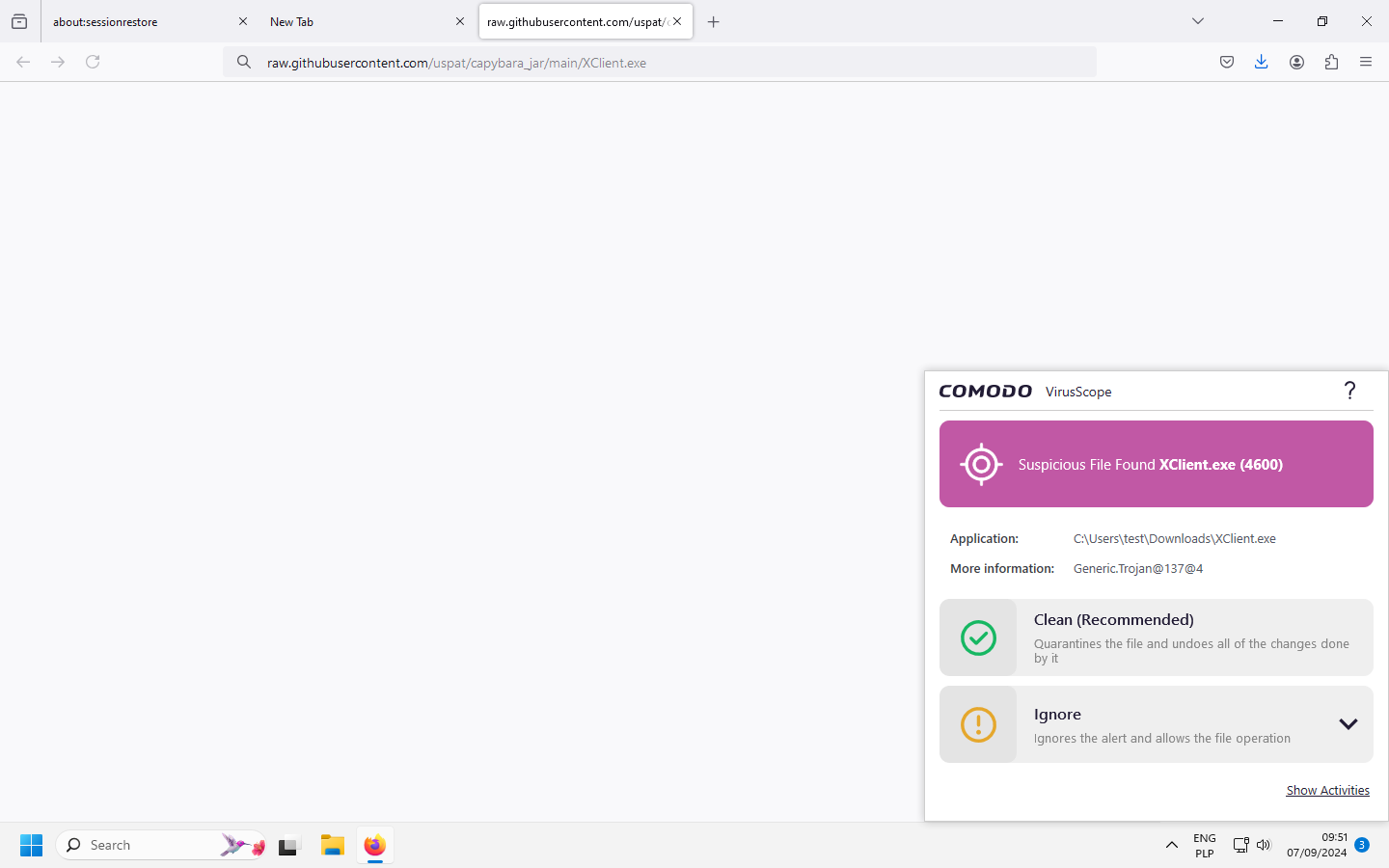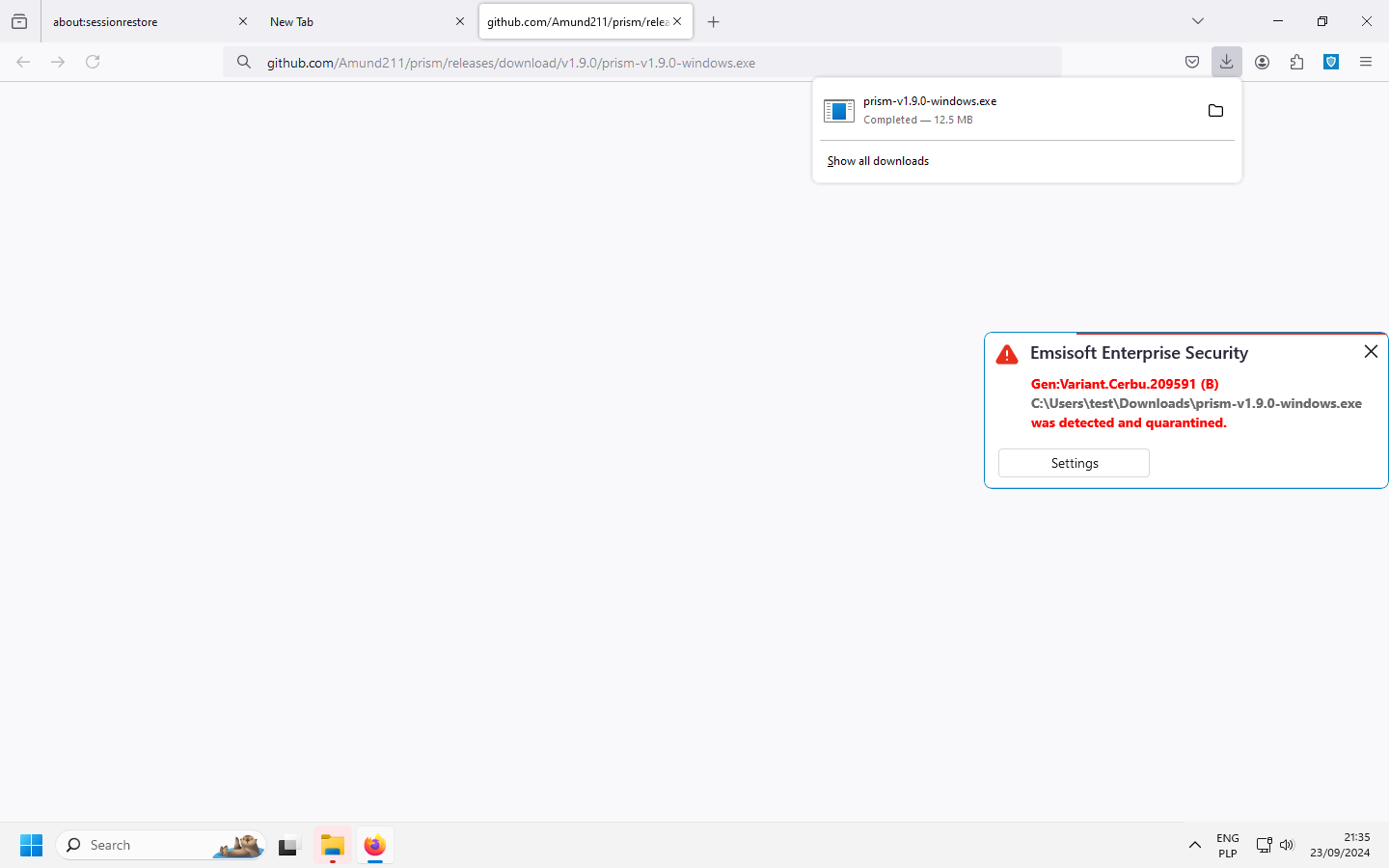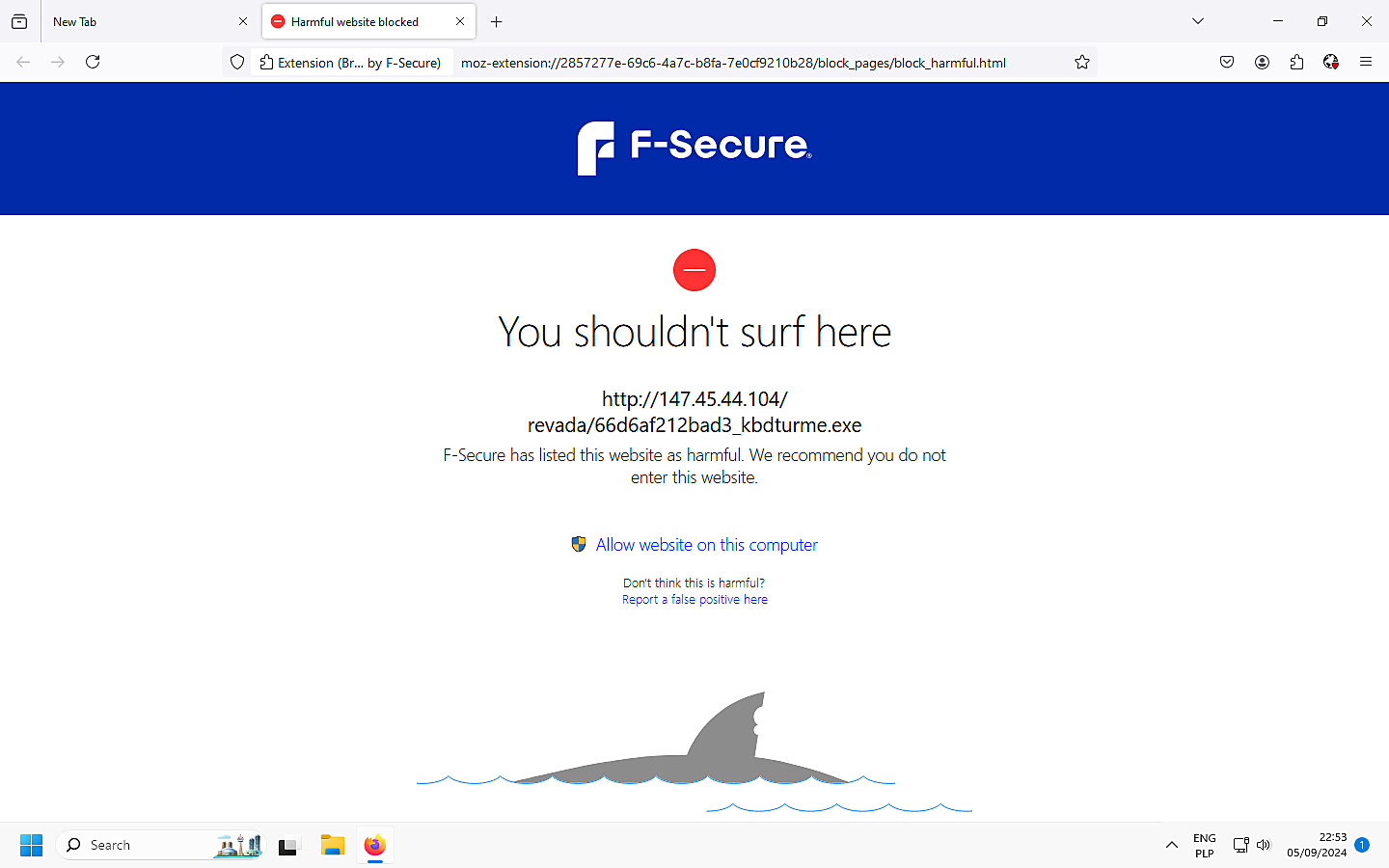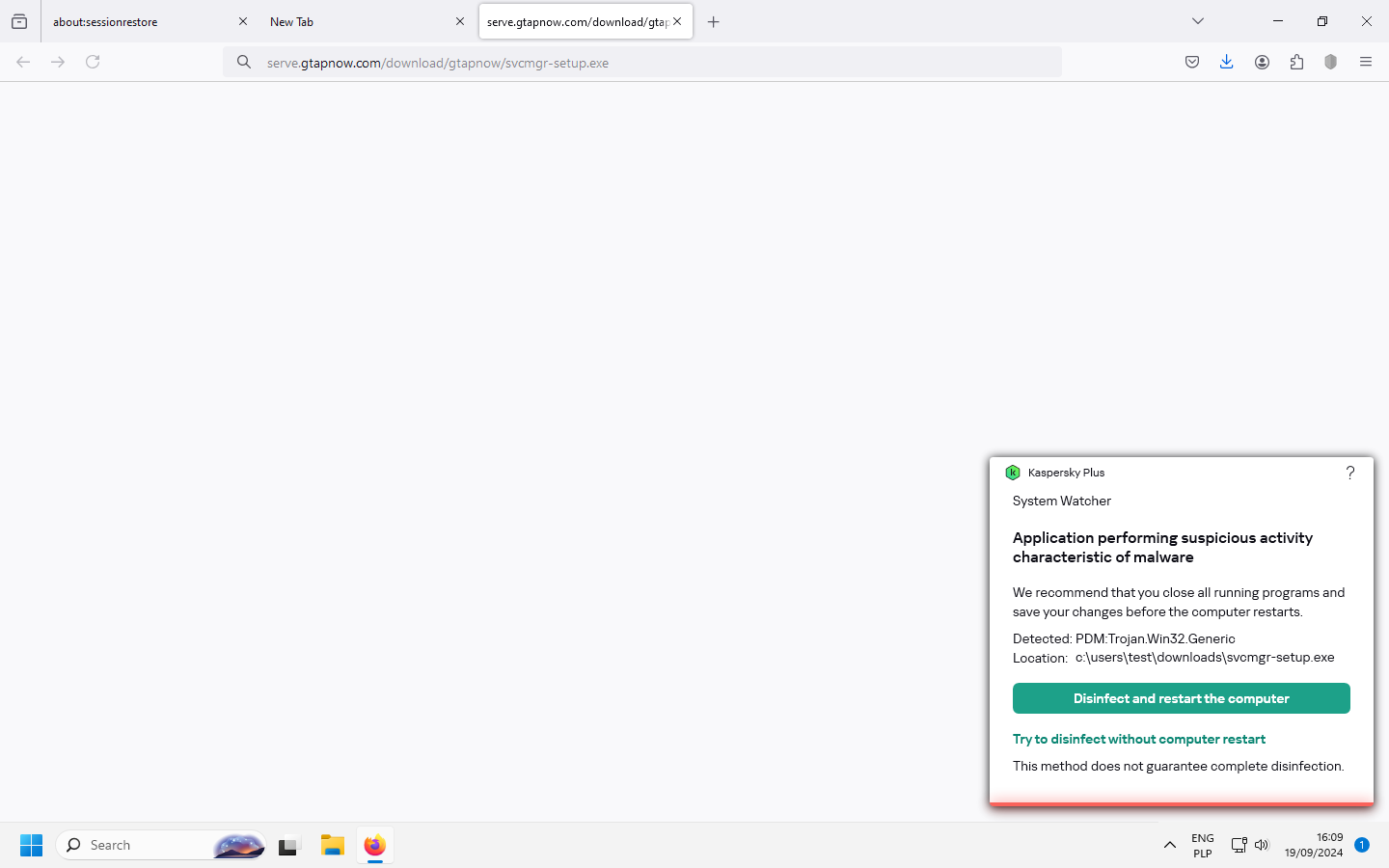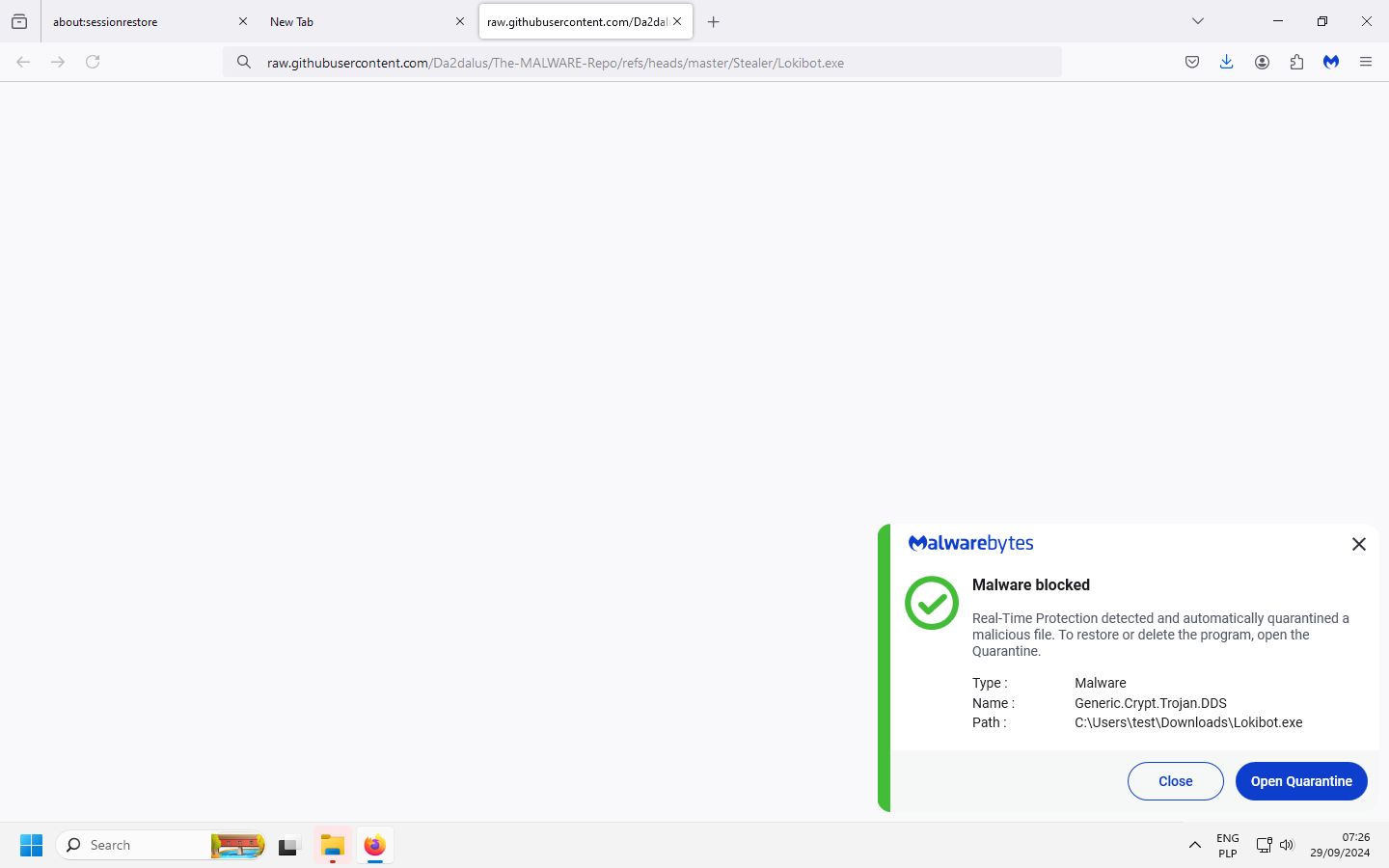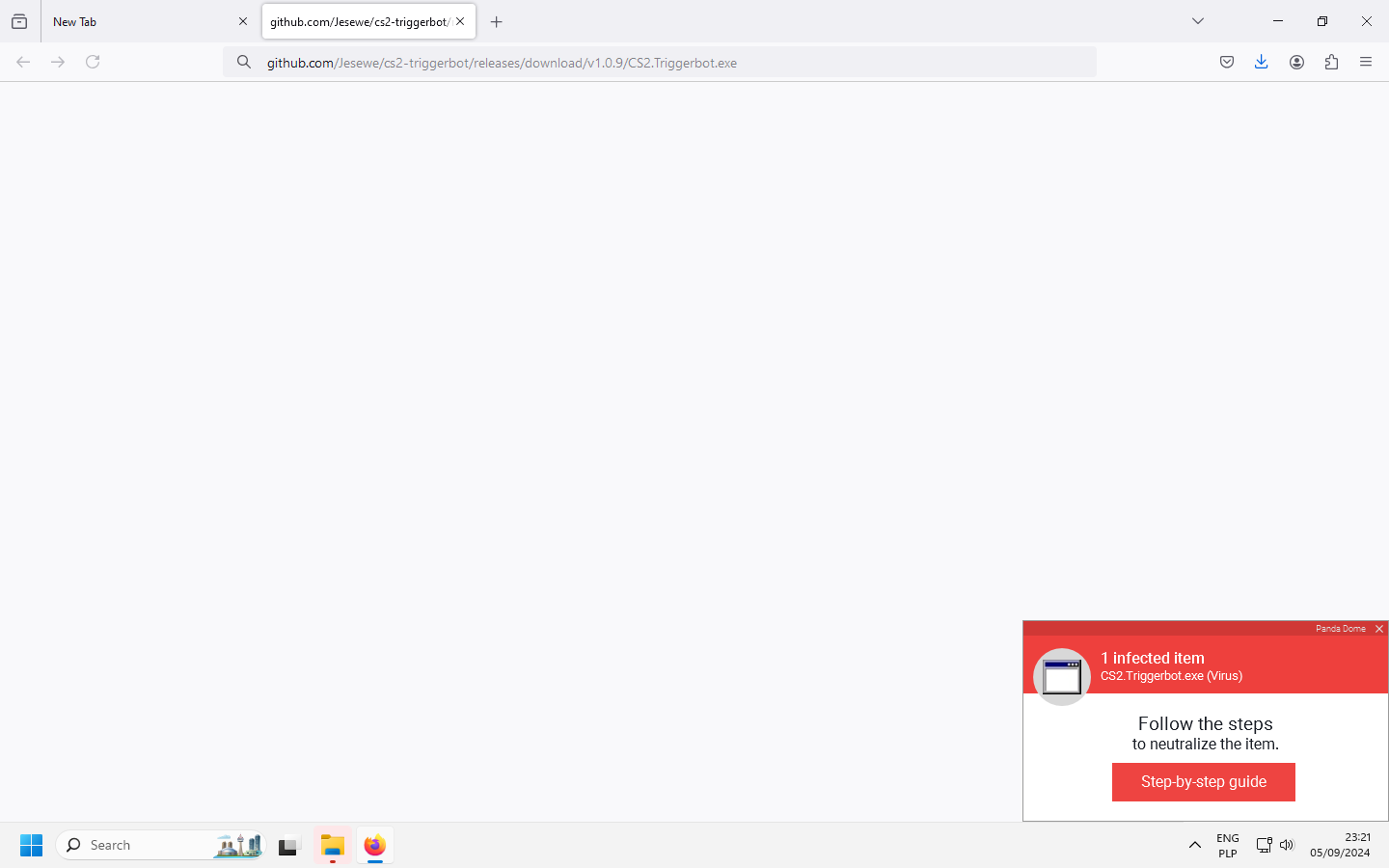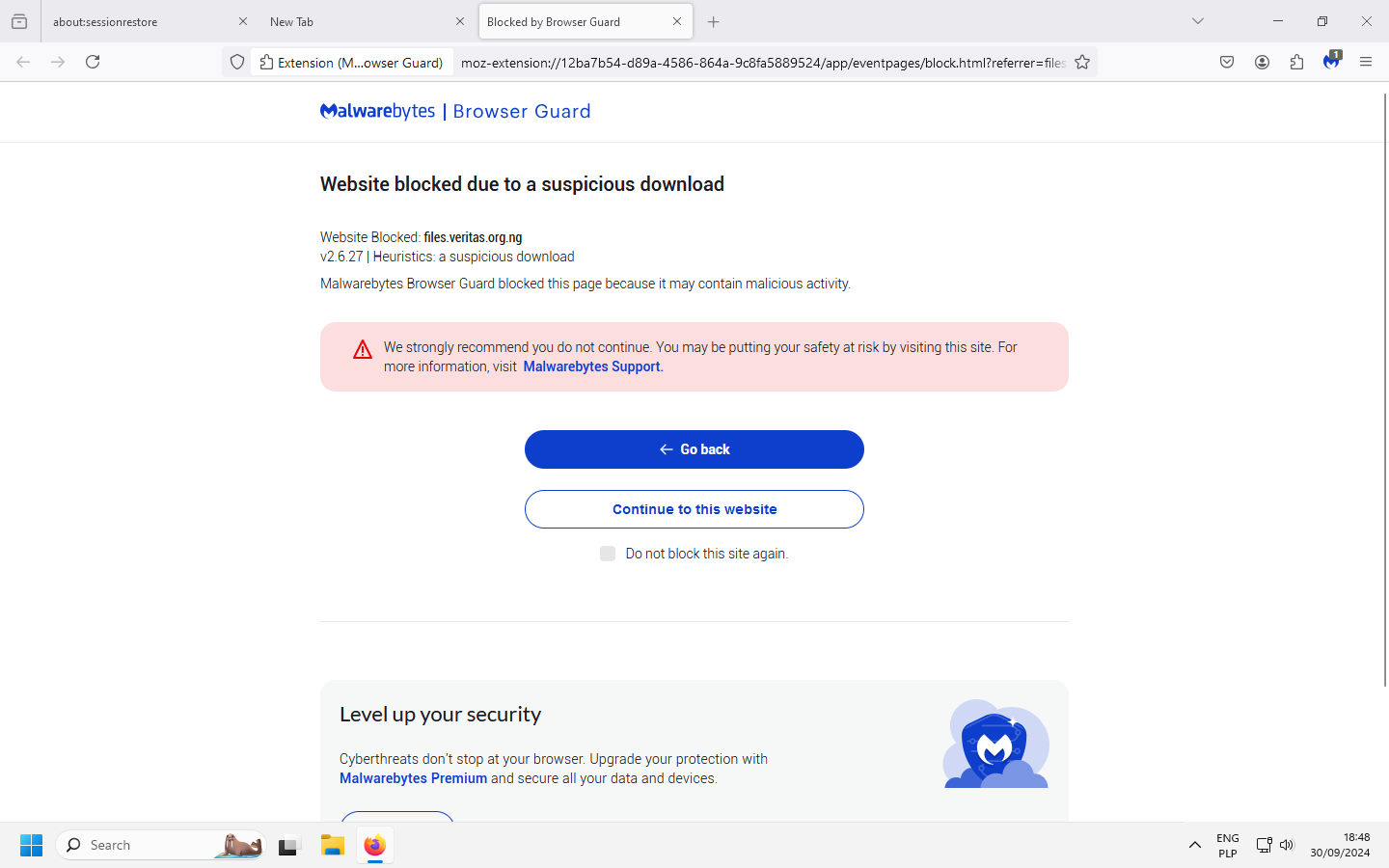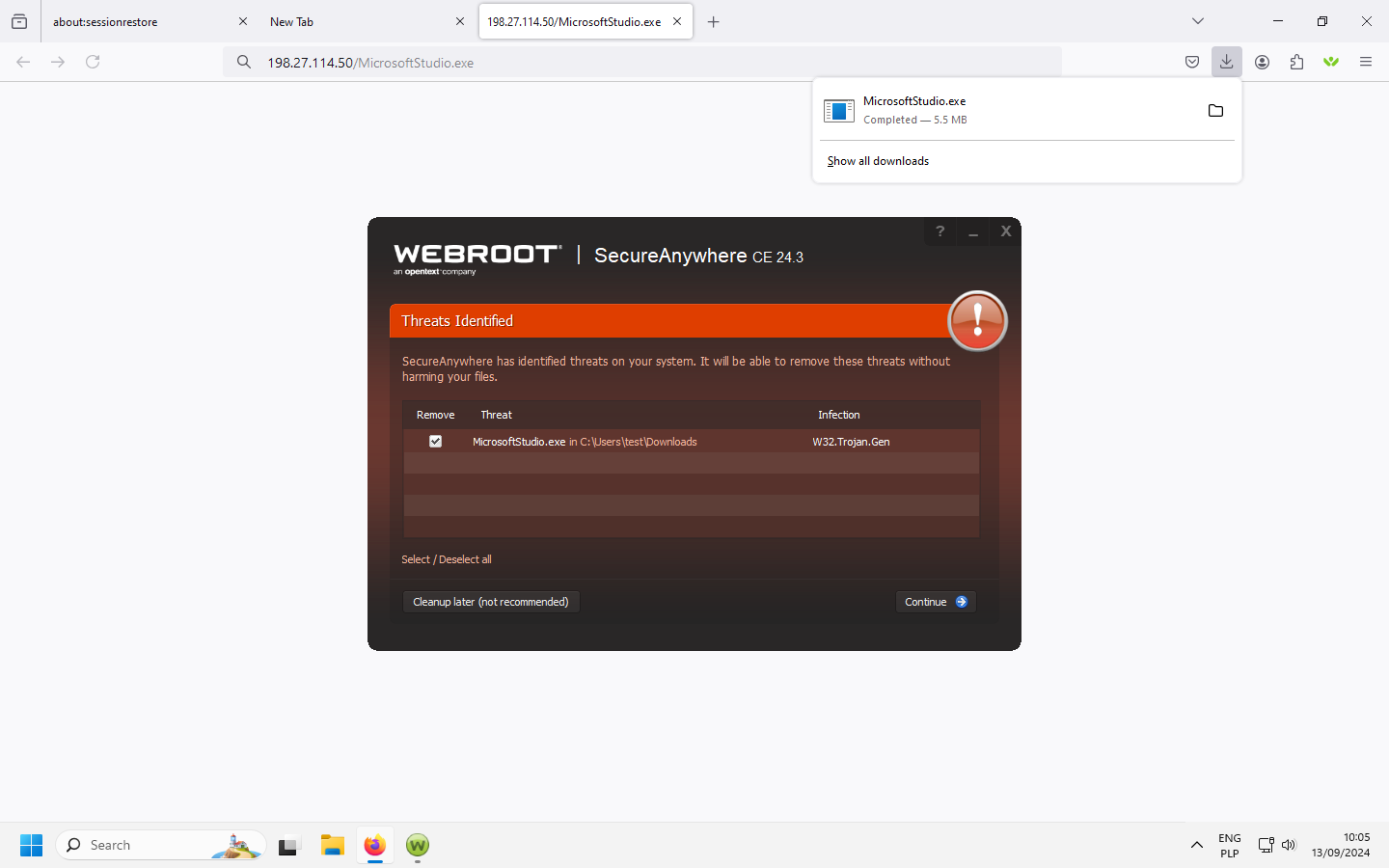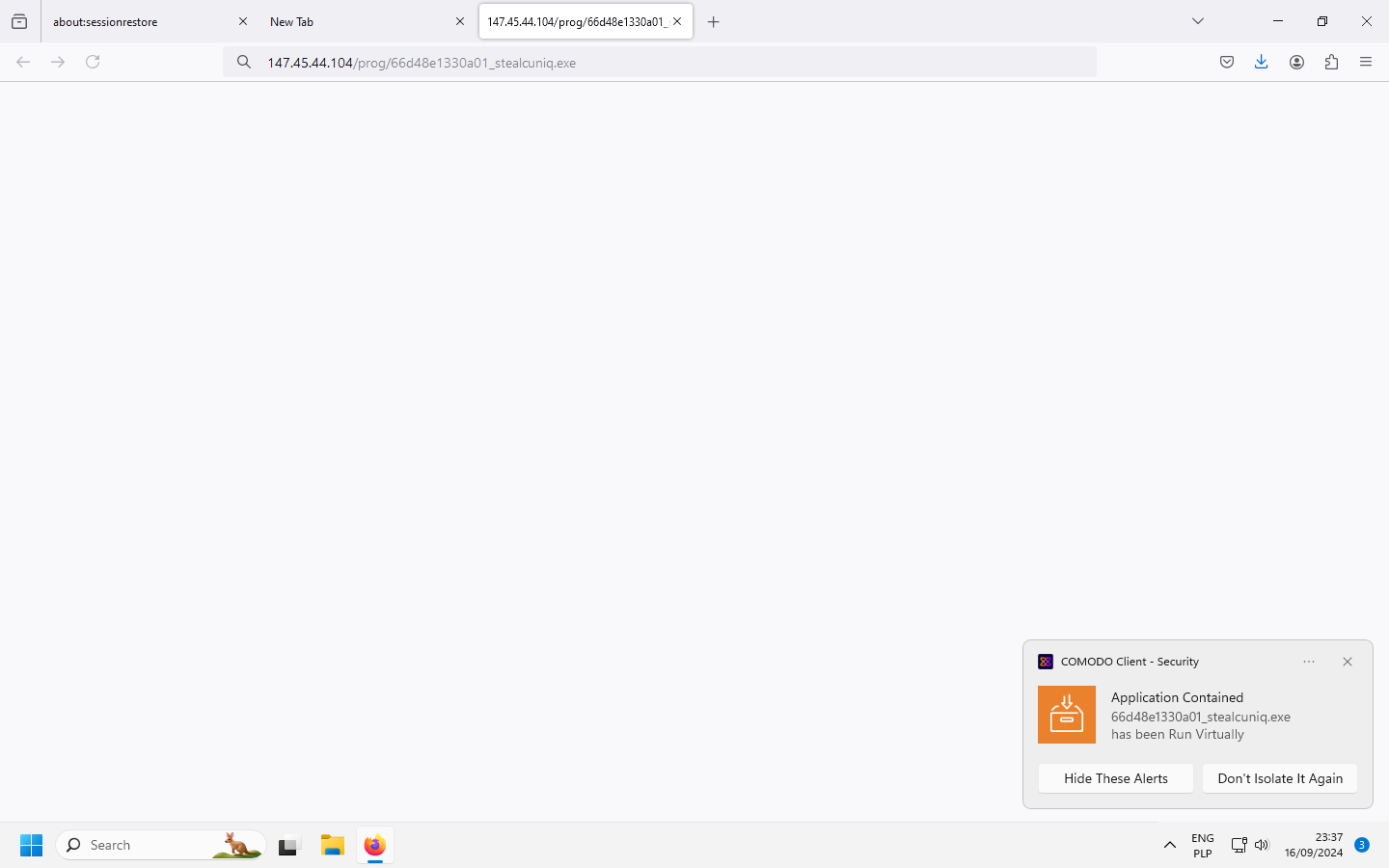
With this summary we conclude this year’s penultimate series of Advanced In-The-Wild Malware Tests. As of September 2024, we have made a few changes under the hood in the Windows 10/11 security software testing application.
The first and biggest is that we have developed a new way of capturing more evidence of malware sample detection during the test in the form of screenshots taken several times a minute.
We use an OCR tool to read text from the images. Based on this text, we compare the keywords with matching alerts for the anti-virus software in question. If there is a positive match, we store all the records in a database, from which summaries are generated for the vendors. This image recognition capability also allows us to more thoroughly analyse potential malware samples before qualifying them for testing – we reject installers, unwanted (non-malicious) applications, corrupted files and other files that cannot be run in a Windows 11 environment:
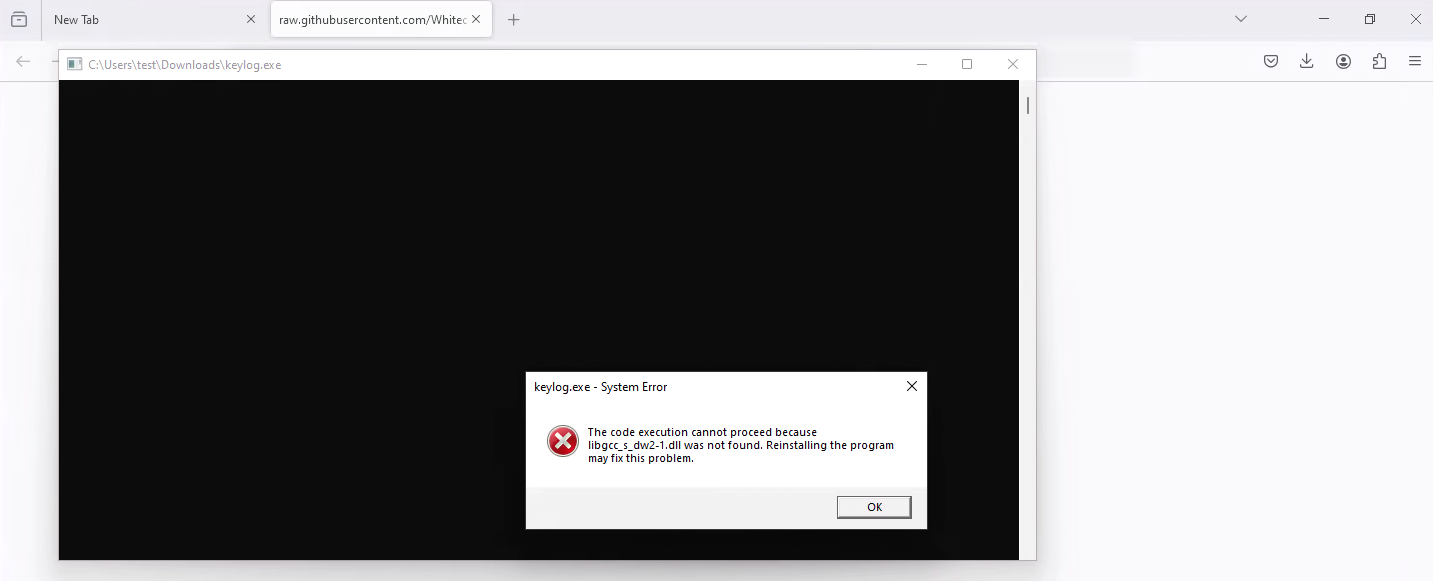


In summary, the OCR tool we have incorporated into the testing process is used to capture anti-virus alerts and to more accurately identify potential malware samples before they are qualified for testing. The screenshots provide the vendors with further and irrefutable evidence of whether or not malware has been detected.
The OCR tool is an additional opinion from the test, alongside the Sysmon logs and the logs generated by the security software under test. See our methodology page for more details.
Our tests comply with the guidelines of the Anti-Malware Testing Standards Organization. Details about the test are available at this website as well as in our methodology.
September 2024 – tests on malware in-the-wild samples
We tested 11 solutions and after detailed analysis we found that all of them were able to stop the in-the-wild samples used in the test.
We would like to point out that when analysing this type of test, it is important to take into account the Remediation Time parameter: this is the average time it takes to completely neutralise a given threat: from the time the file enters the system until it is blocked by the antivirus product.
The more threats that are stopped at the browser level (pre_execution), the lower the Remediation Time parameter will be in terms of average time in seconds. Similarly, each malware launch requires time for analysis and blocking, which increases the average remediation time.
A 100% response to the threats used in the test is a guarantee of the effectiveness of the software in question. This is perhaps the most important parameter from the point of view of end users and business decision makers.
Detailed results from September 2024 can be found on the latest results page.
Threat neutralisation and removal
The fastest to neutralise and remove threats correctly were the vendors:
– Kaspersky Plus (took an average of 1.56 seconds on the set of samples used)
– F-Secure Total (1.7 seconds on the set of samples used)
– K7 Total Security (6.1 seconds)
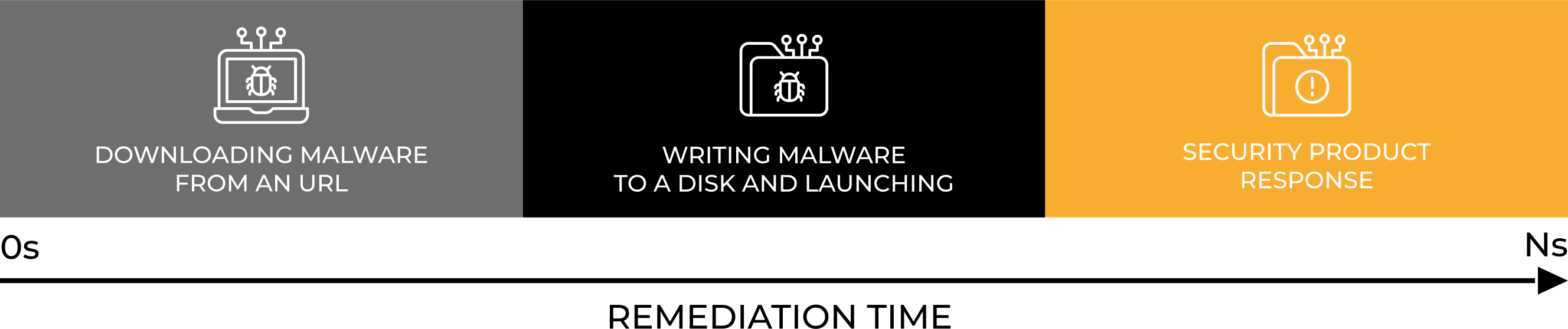
The Remediation Time parameter for each product tested provides a more accurate indication of the differences between the protection software. This metric measures the time it takes for malware to enter the system via the browser, run, detect and remediate the security incident.
Tested solution settings
Although we avoid using PUP.PUA samples in the test, it is always worth activating such a protection, and we also use these settings.
Presets are good, but not always the best. Therefore, for full transparency, we list those that we have introduced for better protection, or if it is required by a developer.
In addition to the changes below, we always configure a solution in such a way that it has a dedicated extension for the Firefox browser which we use in the tests (if the extension is available). Apart from that, we adjust the software to automatically block, delete, and recover from incidents.
The software configuration is as follows:
- Avast Free Antivirus: default settings + automatic PUP repair + browser protection.
- Comodo Internet Security Pro: default settings.
- Emsisoft Enterprise Security: default settings + automatic PUP repair + EDR + Rollback + browser protection.
- F-Secure Total: default settings + browser protection.
- K7 Total Security: default settings + browser protection
- Kaspersky Plus: default settings + browser protection
- Malwarebytes Premium: default settings + browser protection.
- Panda Dome: default settings + browser protection
- ThreatDown Endpoint Protection: default settings + EDR + browser protection.
- Webroot Antivirus: default settings + browser protection.
- Xcitium ZeroThreat Advanced: predefined policy -> Windows Secure Profile 8.1 + EDR.